
Pricing, regulations, and entry requirements may change — confirm current details with operators directly. Check travel.state.gov before booking international travel.
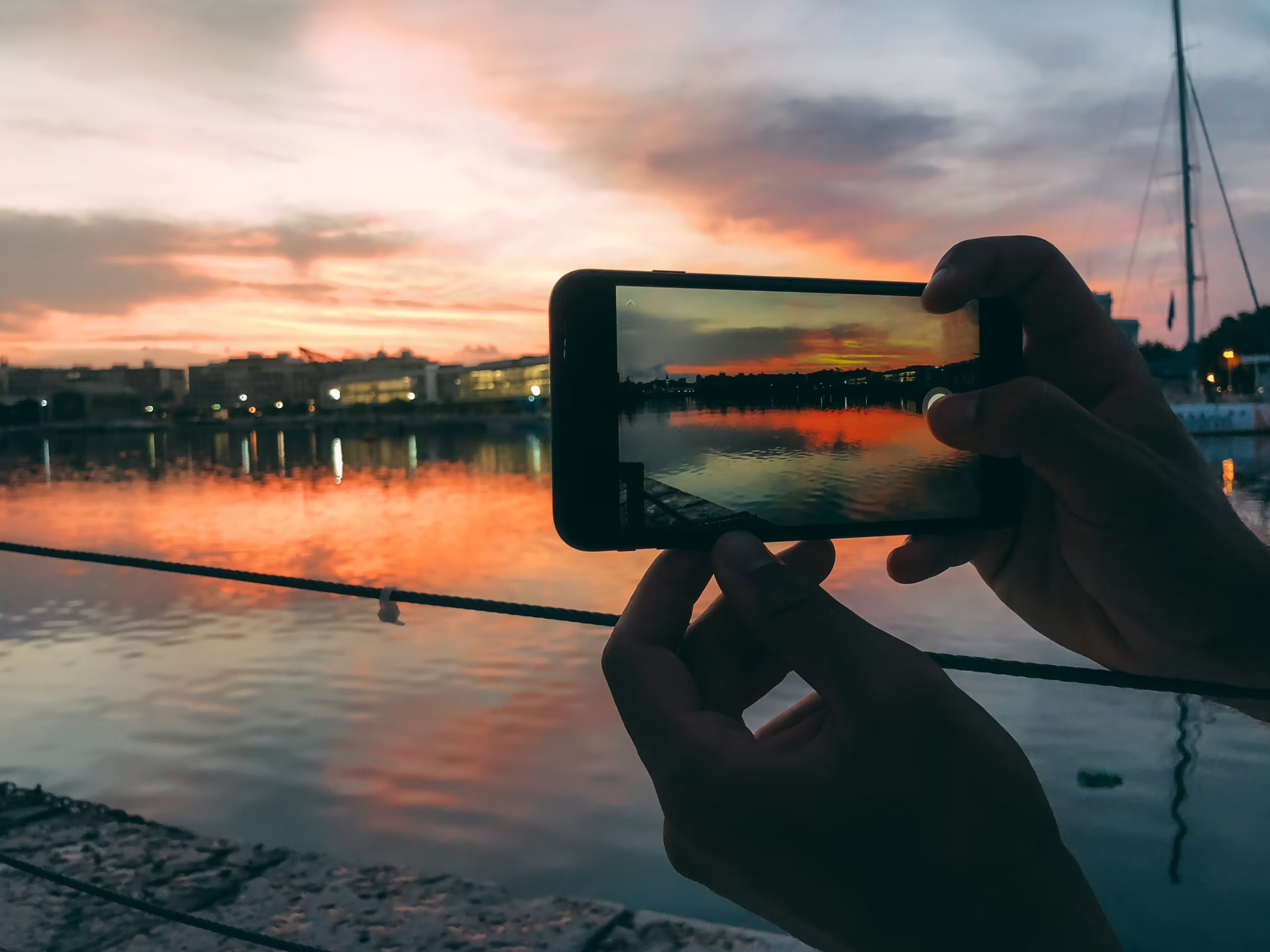
At dinner in a beautiful hotel, the saddest sound is not a crying baby or bad lounge jazz. It is four phones landing face-up on linen, glowing through the first course. Travel technology is not the enemy. Lazy technology is. After 30+ countries, my rule is simple: use the phone when it solves a real problem, put it away when it starts stealing the trip.
When phone-off actually helps, and when it just makes you stressed
Phone-off travel is useful in the places where attention is the point. Deep nature. Religious sites. Dinners you paid too much for. Spa time. Long walks where the route is obvious and the air smells like pine, wet stone, or woodsmoke. A phone in your hand changes the way your brain treats a place. Everything becomes potential content. That is exhausting.
There is a reason luxury hotels and retreats keep selling digital-detox language. The better version is not punitive; it is practical. Some boutique hotels now market low-WiFi stays, reading retreats, and phone-caddy rituals as a form of luxury, which sounds precious until you realize how many people now need permission to stop refreshing work email. The offline-is-luxury trend is not subtle anymore.
But phone-off does not help when you are lost, translating a pharmacy label, checking a gate change, confirming a driver, sharing location, or pulling up emergency documents. Turning off your phone to prove you are present can become its own performance. The goal is not analog theater. It is better judgment.
My rule: phone away for meals, sacred spaces, guided explanations, and the first ten minutes of any view. Phone on for navigation, translation, transit, safety and money. If the phone is serving the trip, use it. If the trip is serving the phone, stop.
The work email check rule
On vacation I check work email once a day if I absolutely must. One window. Usually late afternoon, before shower and dinner, not first thing in the morning. Morning email poisons the day. Night email ruins sleep. Midday email turns a museum into a waiting room.
The rule works only if you define it before the trip. Tell colleagues the window. Set an out-of-office reply. Put one emergency contact method in the message if you truly need it. Otherwise every “quick check” becomes a little trapdoor. Your standing under a bell tower in Florence, and suddenly someone’s spreadsheet is standing there too.
For short trips, I prefer no work email at all. For longer trips, one check window is humane. For trips with children, I would rather do a clean 20-minute admin block than half-listen to everyone all day while pretending not to work.
The camera question: present-with or present-without?
I used to think carrying a real camera made me more present because it forced me to look. Sometimes it does. Sometimes it turns the day into a hunt. Less photos, better seeing. That is the line I keep coming back to.
The iPhone is enough for most trips, and I say that as someone who likes cameras. It handles city scenes, hotel details, food, casual portraits and train windows beautifully. A camera earns the bag only for wildlife, serious low light, paid work, or a trip where photography is part of the reason I came. I wrote the whole argument in my travel photography 2026 setup, but the short version is this: gear should not become a chaperone.
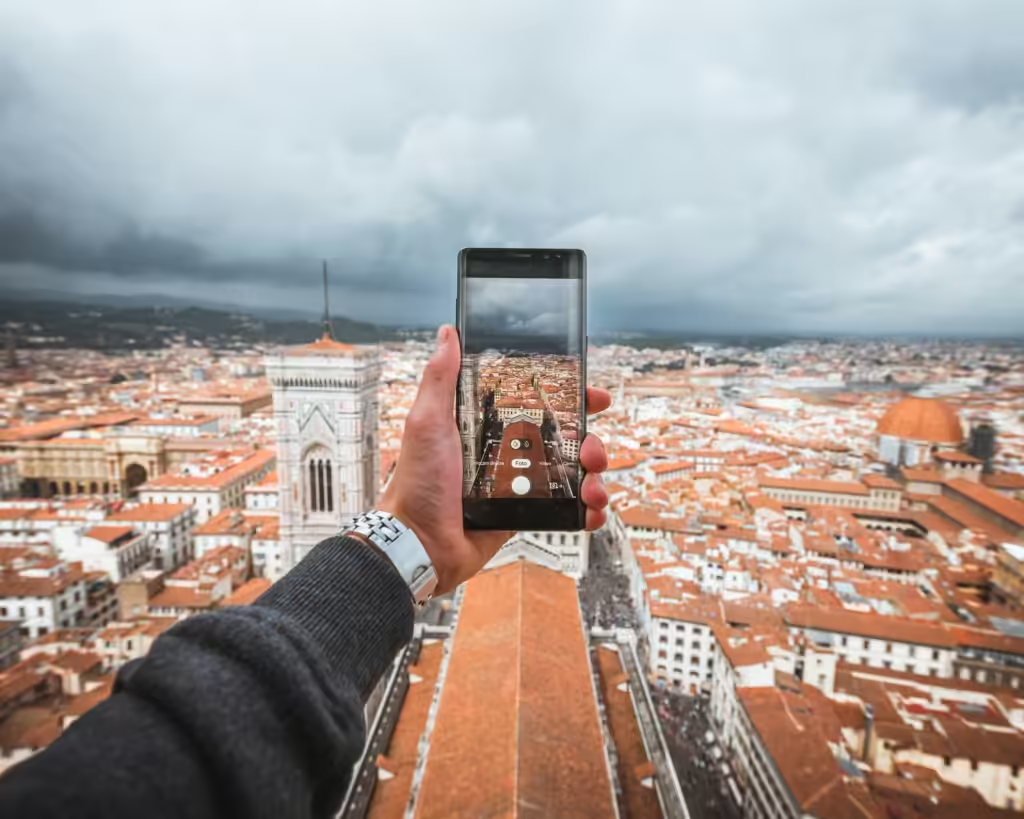
My photo discipline is 90/10. Ninety percent of the time, look first. Ten percent, shoot intentionally. The best travel memory is not always the best photo. Annoying. True.
Audio guides that work, and one thing that does not
Audio guides are the most underrated travel technology because they give you context without forcing you into a group. I like VoiceMap for city walks when I want a good route, a real voice, and freedom to pause for coffee. It works best when the creator knows the neighborhood, not when the walk is just a Wikipedia page in shoes.
Museum audio guides still work when they are tight. Fifteen strong stops beat 58 solemn paragraphs about donors. I also like downloadable local-history walks from museums, parks, and universities when they exist. What does not work: auto-playing “immersive” apps that vibrate, ping, gamify, and insist on making every doorway interactive. I came to see the place. Not your product roadmap.
Offline maps in 2026: Google, Maps.me, Organic Maps
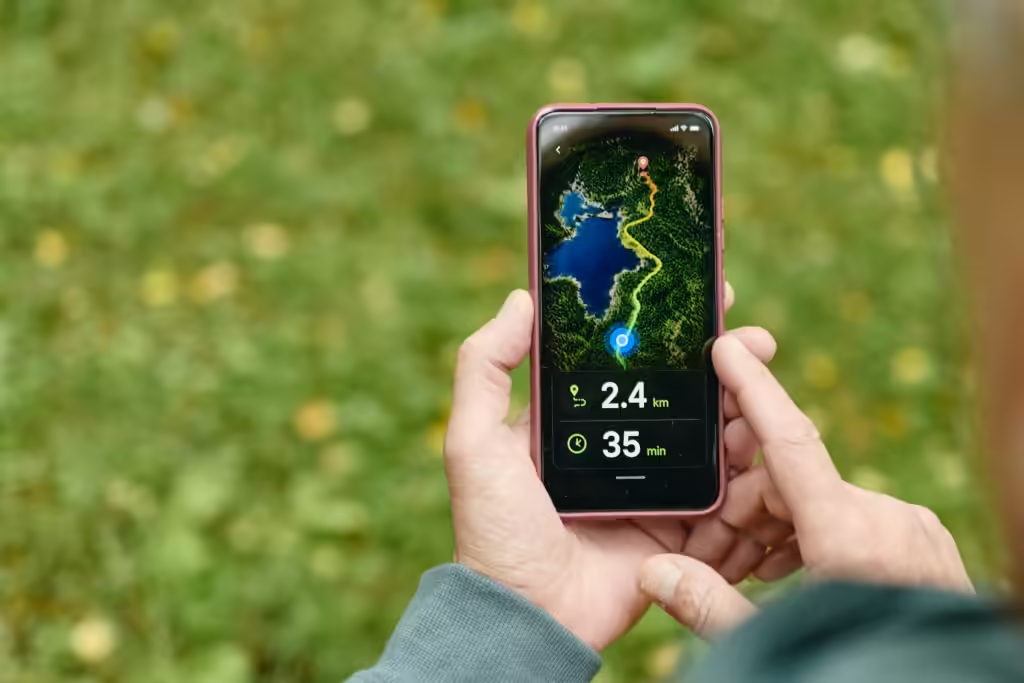
Offline maps are not just for wilderness people with cargo pants. They are for airport arrivals, train strikes, bad roaming, dead zones, mountain roads, and old city centers where GPS bounces between stone walls like a drunk moth.
Google Maps offline is the easiest baseline. I download the arrival city, hotel neighborhood, and any rural region before leaving home. It is not perfect for walking detail, but it saves the day often enough. Maps.me and Organic Maps are better when I want offline-first mapping and trails, especially if I am trying to reduce data use. Organic Maps is especially appealing if you want open-source, privacy-friendlier routing.
The mistake is downloading maps after you need them. I have done this, it is stupid every time. A ferry terminal with weak service is not the moment to discover your map app needs a 700 MB region download. Build the offline layer before departure.
This pairs with my normal app stack from best travel apps 2026: Google Maps for daily use, Citymapper where it shines, offline maps when the network gets moody. The system should accomodate failure, not assume perfect signal.
Three things worth doing first
- Download offline maps for your first city, final city and any rural or mountain region.
- Save hotel addresses, insurance PDFs, passport scans, and emergency contacts offline.
- Set a daily work-email window before the trip, then tell the people who matter.
The airplane-mode-on-tour discipline
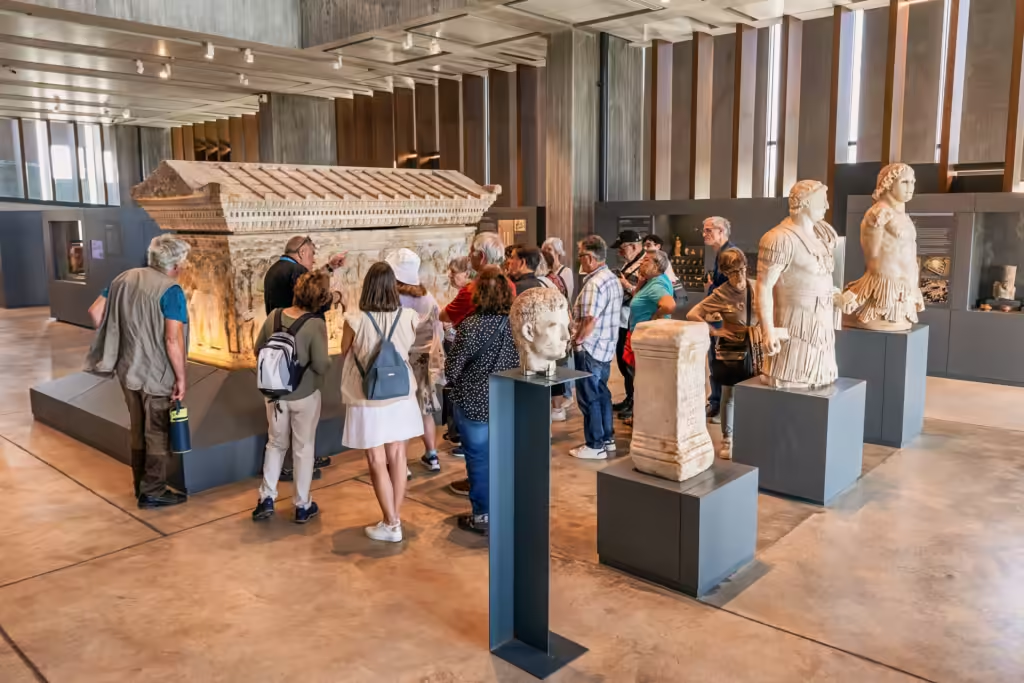
Guided tours are where I use airplane mode most aggressively. Not because I am noble. Because every buzz pulls me out of the story. A good guide is building rhythm: place, date, smell, scandal, architecture, memory. Then your phone lights up with a delivery notification from home and the thread breaks.
Airplane mode does not mean useless. GPS still works in many apps if maps are cached, and offline tools can keep you oriented without inviting the whole internet along. Gaia GPS and similar outdoor-map apps have long explained the value of downloading maps before losing signal; the same logic works for tours, remote drives, and hikes. The offline maps habit is not glamorous. It is battery insurance.
My tour rule: airplane mode on, camera allowed, no messages unless the guide gives a break. If something urgent occured, the world will survive until the next stop. If the trip truly cannot survive one hour without you online, that is not a travel-tech problem. That is a life-design problem, and yes, I have had it too.
Kids and tech on family trips
Family travel is where rigid tech purity collapses fastest. A tablet can save a flight. Offline cartoons can save a restaurant wait. A game can keep a tired child from becoming the soundtrack of a delayed ferry. I am not interested in judging parents from a quiet table with a glass of wine.
What works is structure. Download before departure. Headphones. Screen windows. No surprise YouTube dependency in a country where the WiFi belongs in a museum. Airplane-mode hours for kids can work beautifully on flights and drives: downloaded shows, audiobooks, drawing apps, language games, then device away when the real thing is happening.
The family rule I like is “screens for transit, not for arrival.” Use tech on the plane, train, car ride, and boring waiting parts. Put it away when entering the hotel room, meeting the guide, eating dinner, seeing wildlife, walking into a church, or reaching the overlook. Kid’s remember more when the first response to a place is not “wait, let me finish this level.” Adults too, honestly.
Parents also need their own discipline. You cannot ask a ten-year-old to look up from a tablet while you photograph every breakfast pastry and answer Slack at the pool. The family tech balance starts with the adult phone. Rude but accurate.
Five Questions People Actually Ask
Should I turn my phone off completely when I travel?
No. Use phone-off windows, not total phone denial. You still need maps, translation, safety tools, payment apps, and emergency access.
What is the best offline map app?
Google Maps offline is easiest for most travelers. Maps.me and Organic Maps are better for offline-first use, trails, and low-data trips.
Are audio guides worth using?
Yes, when they are well made. VoiceMap and strong museum guides add context without forcing you into group timing.
How often should I check work email on vacation?
Once a day at most, in a defined window. Never first thing in the morning and never in bed, unless you enjoy ruining two parts of the day.
Should kids get screens on luxury trips?
Yes, for transit and delays. No, as the default response to every meal, guide, view, animal, and city walk. Screens should support the trip, not replace it.
Where to go next?
- Best Travel Apps 2026 — the practical phone stack behind maps, money, flights, restaurants, and planning.
- Travel Photography 2026 — the iPhone-first camera setup for taking better photos without letting gear run the trip.
- Luxury Travel 2026 — the wider framework for spending well and designing trips that do not feel like admin.


